

We are extremely pleased to announce the continued service where you can request a CNA Student Photo ID card through the online Student Self-Service portal. This service is available on mobile device or a desktop, making it easier to submit a request! This service is also available in person at some campuses if you prefer the in-person option.
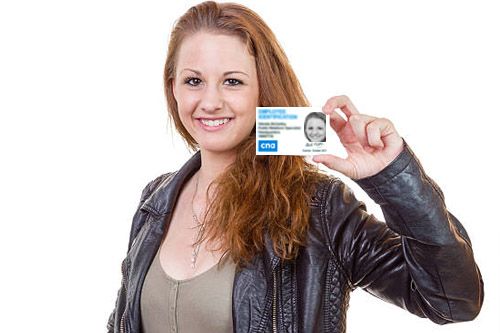
Students can log in to their student self-service and upload a photo similar to a passport photo. In preparation for this, you may want to have your photo ready to upload when the system is available. To make the process more efficient and avoid photos being rejected we suggest that you have a headshot photo with a white background ready. You will also need a verification document ready to submit. This can be a photo of your driver’s license or any recognized photo ID. These photos can be taken with your cell or digital camera but must be saved as JPG or JPEG format to be uploaded. In addition, you will be asked to confirm your correct mailing address during the process to avoid the photo ID being sent to the wrong address.
If you experience any issues with the Student Photo ID Request process, contact the Help Desk at SShelpdesk@cna.nl.ca